 cncArtist
CNC software for iPad
CNC design on iPad, with Apple Pencil
Sculpt with pressure and tilt, draw curves with the pen, then simulate and export the file for your machine. One purchase covers iPad, Mac and iPhone.
Made for Apple Pencil
Press to carve deeper
When you sculpt a relief, pencil pressure sets how deep each stroke goes.
Tilt for a broader brush
Lay the pencil over to widen the brush, the way you would shade with a real pencil.
Draw curves with the pen
Place points with the pencil, then add, delete or smooth any point to get the curve right.
The whole app, not a viewer
cncArtist on iPad has the same design tools, toolpaths, simulator and checks as the Mac version. Start a sign on the couch, choose its toolpaths, watch the simulated cut and export the file, all on the iPad.
With a keyboard attached, the shortcuts you know from the Mac work, and you can hold Shift and tap to add shapes to the selection.
From iPad to machine
- Design and choose toolpaths on the iPad.
- Run the simulator and fix anything the checker flags.
- Export the ZIP and move the file to the computer or controller that runs your machine, for example by AirDrop, Files or a USB drive.
- Take your iPhone or iPad to the machine for guided zeroing of X, Y and Z.
- Run an air cut, then cut.
The iPad does not drive the machine. Your machine's own sender or controller runs the file.
3D on a tablet
Sculpting by hand is where the iPad shines. Images are simulator renders, not photos.
384 3D pieces
Drop in a relief, size it to your board, and cncArtist roughs and finishes it.
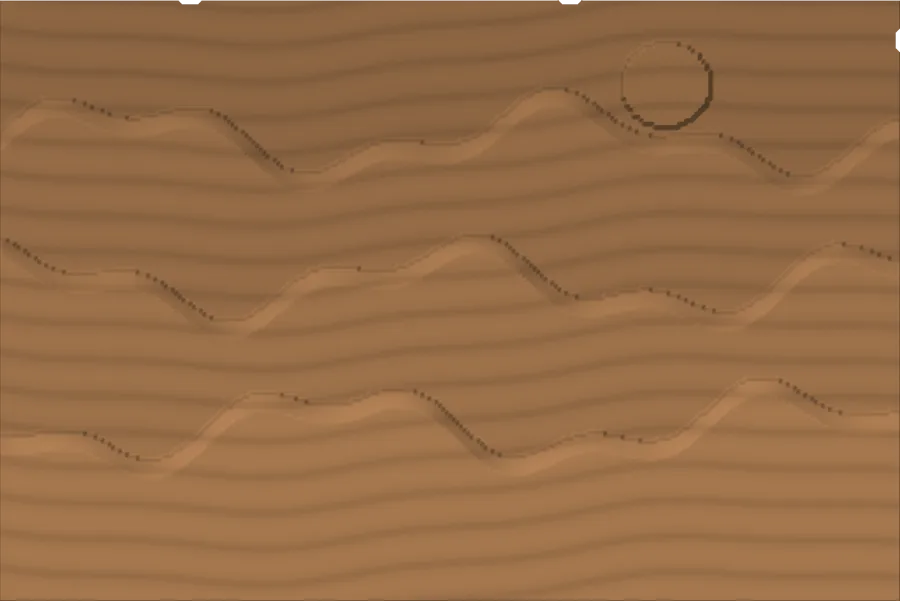
Picture to 3D
Turn a photo into a carving. An on-device depth model works out what is near and far and lifts the subject off its background. Nothing leaves your device.
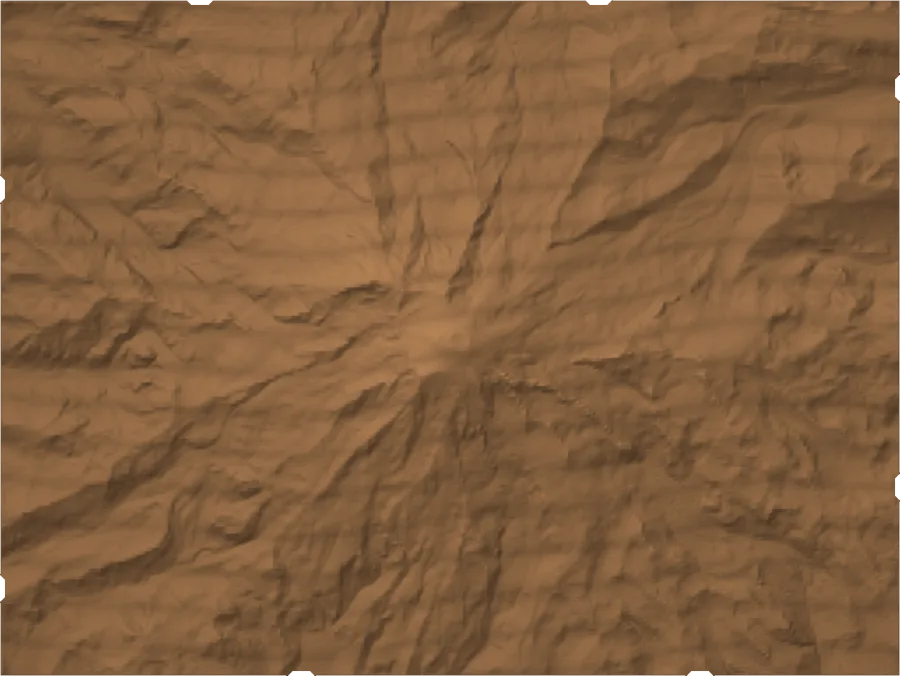
Topo maps
Pick a place and cncArtist builds the relief from real elevation data.
Questions
Do I pay again for the iPad?
No. One $299.99 purchase unlocks Mac, iPad and iPhone.
Can the iPad connect to my CNC?
No. cncArtist writes the file; your machine's own sender or controller runs it.
Do I need an Apple Pencil?
No. Touch and a keyboard work. The Pencil adds pressure and tilt when you sculpt.
Free to download.
$299.99 once to cut without limits.
Design and simulate as much as you like. Your first three jobs export free. Then one purchase unlocks cncArtist on Mac, iPad and iPhone. Commercial use included.
Cut 3 jobs free.
Every design tool, every simulation, and G-code for your first three jobs. No card, no time limit.
Pay once, on every device.
Unlimited export on Mac, iPad and iPhone with one purchase. Free 1.x updates. Family Sharing. Commercial use included.
Launch price $249.99 until 11:59 pm on Thursday, Dec 31, 2026.
No subscription.
Pay once, cut forever. A paid major version every few years, with an owner upgrade price.