 cncArtist
Features
Everything cncArtist does, on one page
Design, 3D, toolpaths, checks and the machine side, for Mac, iPad and iPhone.
Design
Start from a template, draw your own, or bring files from the software you use now.
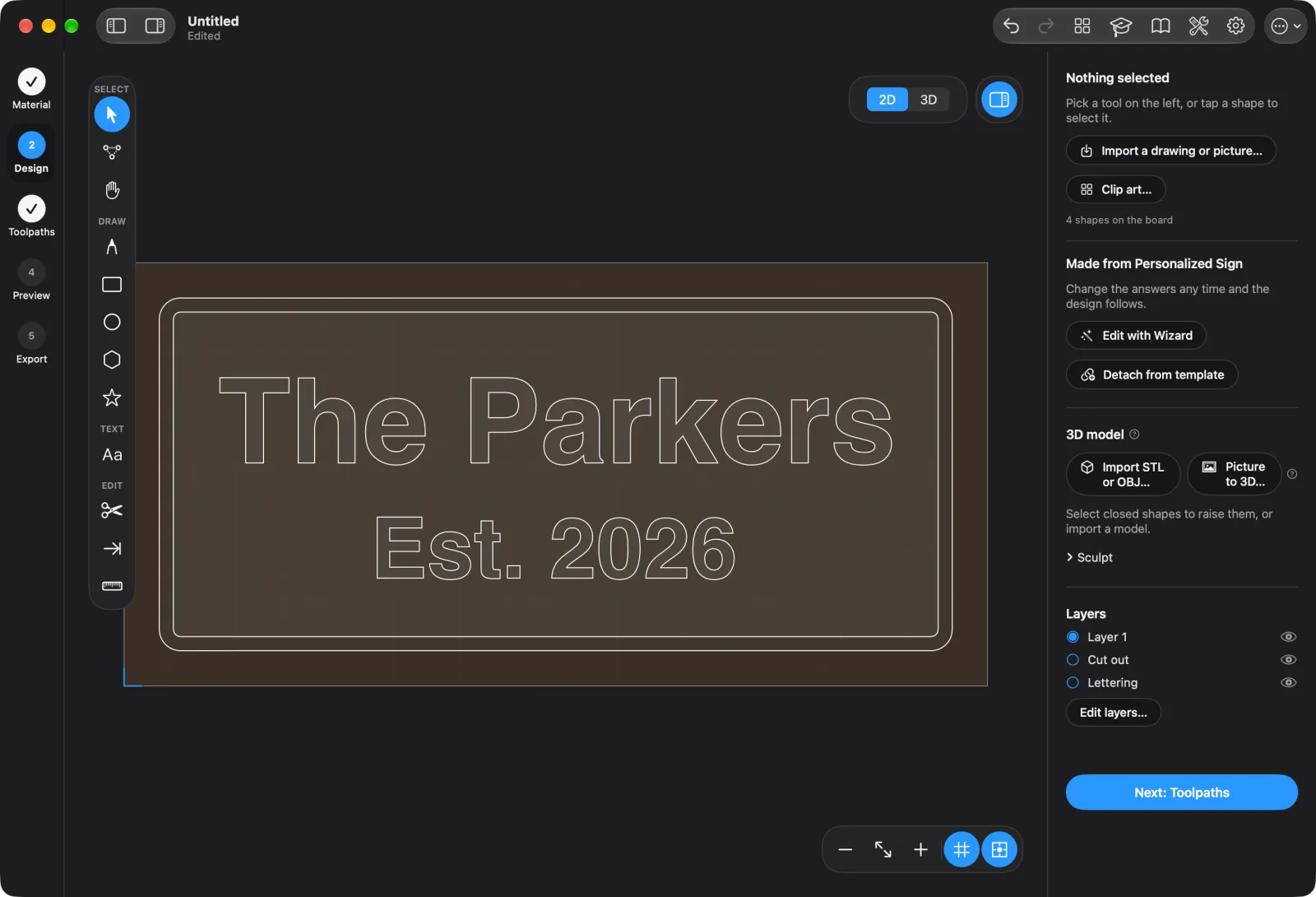
Start from a wizard
Twenty starter projects, from signs and coasters to cutting boards and topo maps. Answer a few questions and the design and toolpaths are built for you. Change an answer and it rebuilds.
Draw, type and trace
Shapes, curves and text, with the holes in letters kept. Images trace to vectors.
Bring your files
SVG, DXF, PDF, Illustrator and EPS vectors, STL and OBJ models, and bit libraries from Vectric (.vtdb), Fusion (JSON) or CSV.
Lock proportions
Type a new width and the height follows. Unlock to stretch a circle into an oval, then lock it again.
Apple Pencil
On iPad, press harder to carve deeper and tilt for a broader brush. Draw curves with the pen, then add, delete or smooth any point.
Shift-select on iPad
With a keyboard attached, hold Shift and tap to add shapes to the selection, just as on the Mac.
3D carving
Reliefs, sculpting and photos turned into carvings. More on the 3D carving page. Images are simulator renders, not photos.
384 3D pieces
Drop in a relief, size it to your board, and cncArtist roughs and finishes it.
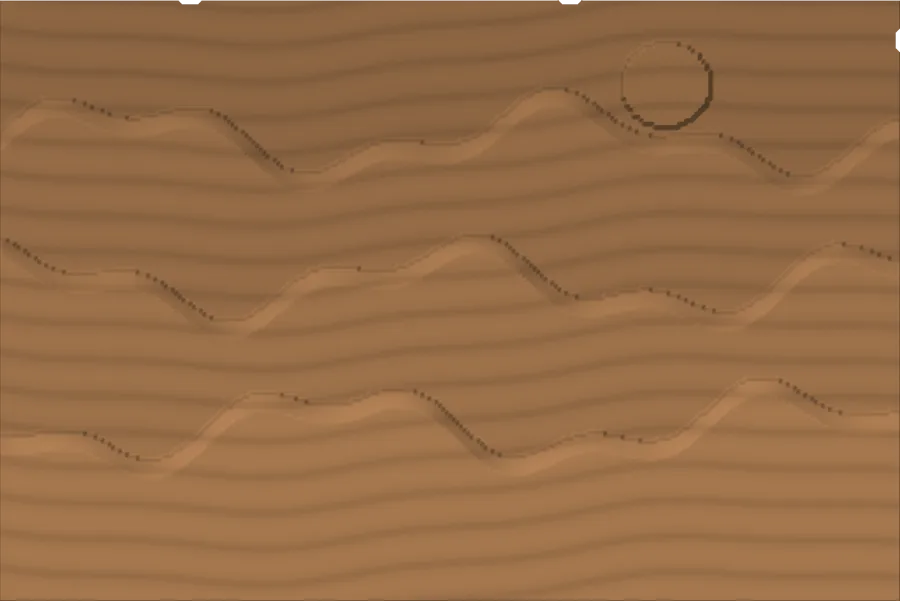
Picture to 3D
Turn a photo into a carving. An on-device depth model works out what is near and far and lifts the subject off its background. Nothing leaves your device.
Sculpt by hand
Build up, carve, smooth, smear and erase back to the original, right on the relief. Extrude, two-rail sweeps, fades and tilt are there too.
Topo maps
Pick a place and cncArtist builds the relief from real elevation data.
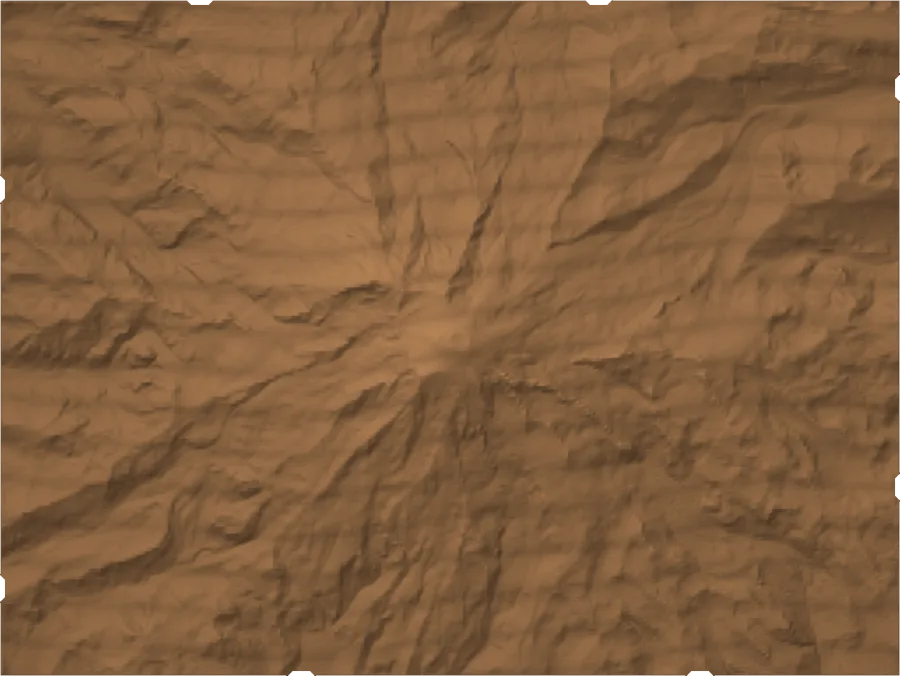
Height maps out
Export any relief as a 16-bit greyscale height map, to share, render or carve in other software.
Two-sided jobs
Flip the board on guided registration and carve the back to match the front.
Toolpaths
Every way to cut, from a first sign to inlays and sheet work.
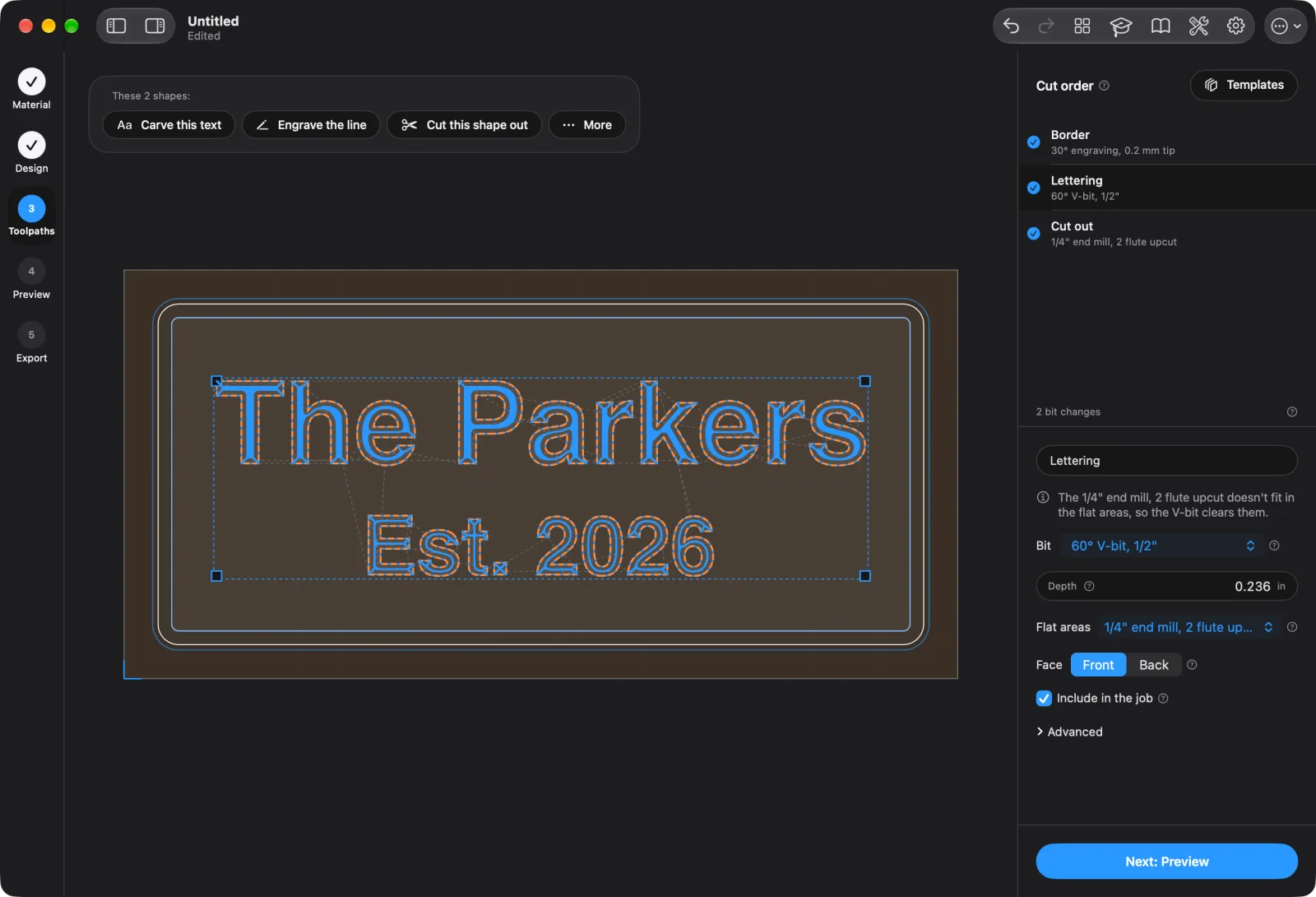
V-carve, pocket, profile, drill
V-carving goes deeper where the shape is wider. Pocket, profile, drill and quick engrave cover the rest. Feeds and speeds are set from the bit, the material and your machine.
Inlays that fit
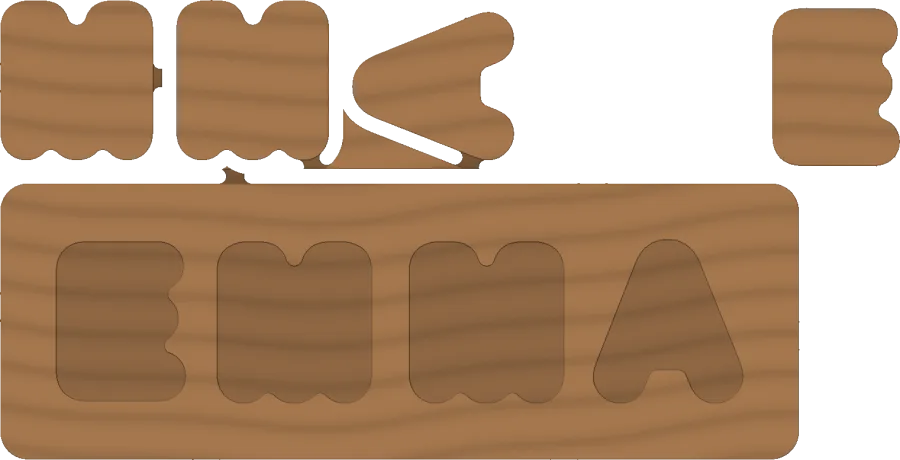
The pocket and the plug come from one design, so the plug seats tight. See inlays.
Longer than your bed
Tiling splits a long sign into sections that line up across the joins.
Nesting with tabs
Pack parts onto the sheet to waste less wood, with tabs that hold each one in place.
Rotary
Wrap a design around a cylinder for candles, handles and turnings, or index around it, if your machine has a rotary axis fitted.
Laser, too
A GRBL laser post burns lines and shades areas from the same design you route.
Checked before it cuts
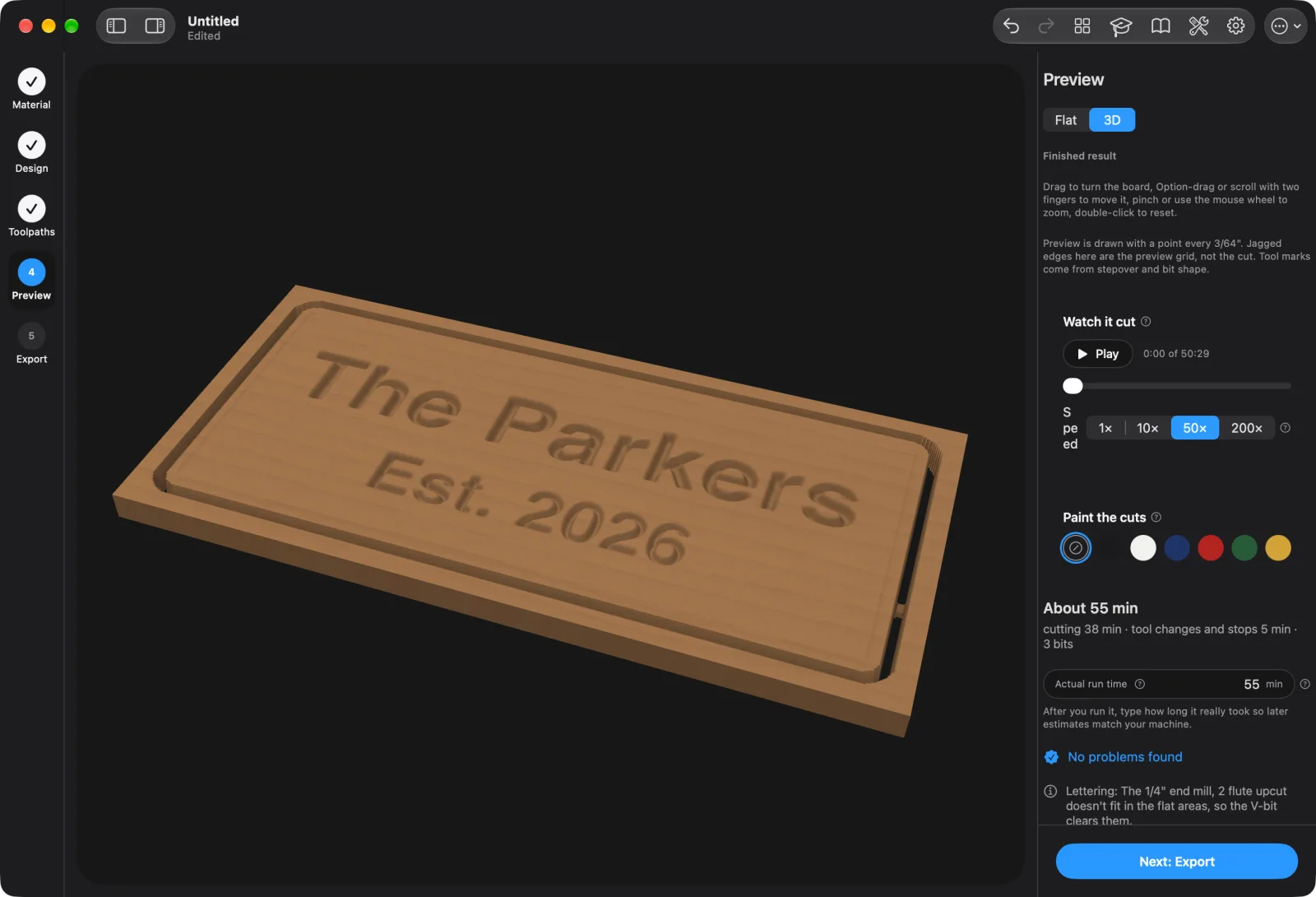
Every line checked first
The simulator plays the whole job back in wood, marks gouges on the board and lists each problem with its toolpath or G-code line, before anything reaches the machine.
Holder check
Before a deep pocket, cncArtist checks that the collet and nut clear the walls, not only the bit.
Times that learn
Run-time estimates compare against your real cuts and get closer every job.
At the machine
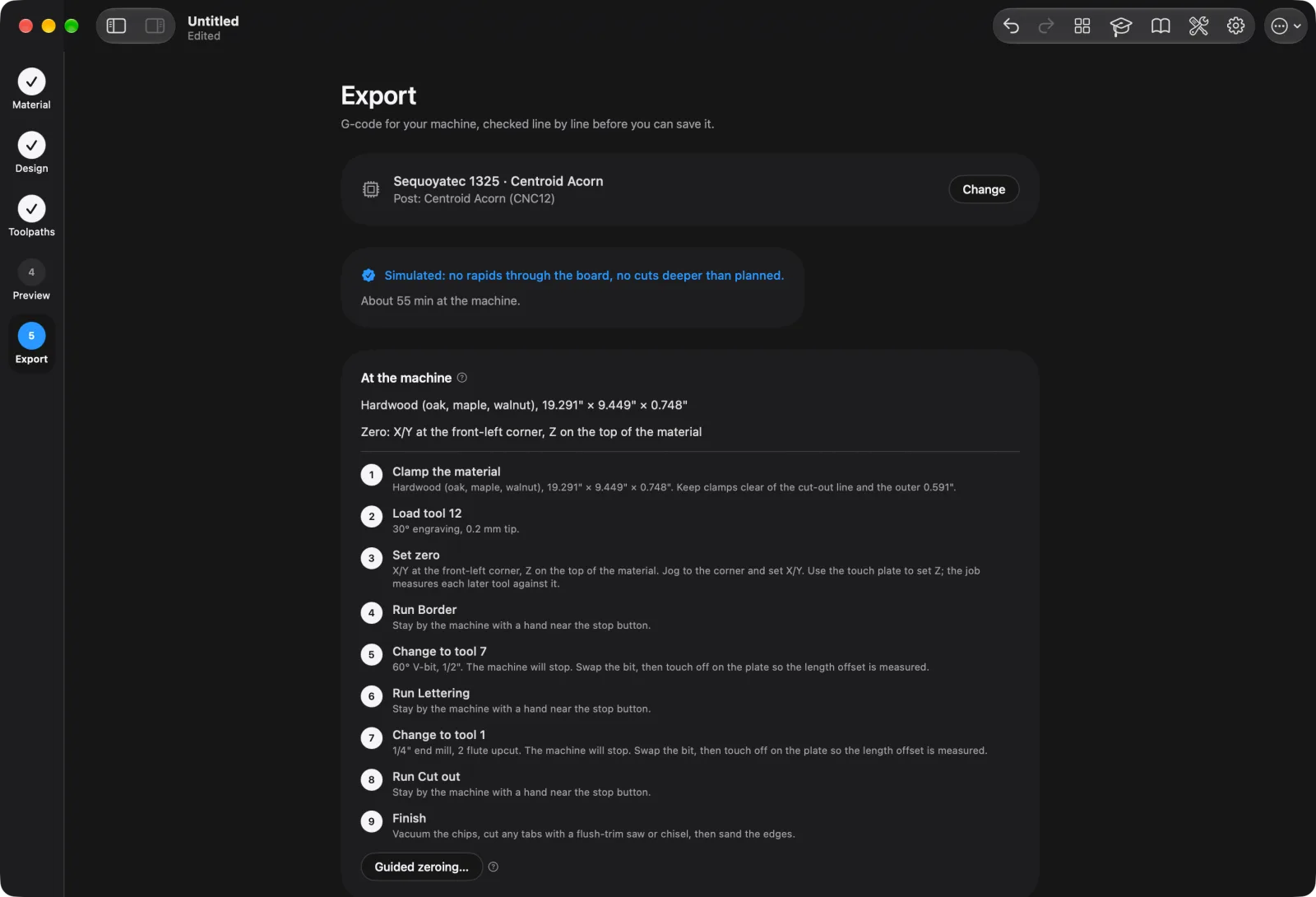
One export, everything you need
Export gives you one ZIP with the checked G-code, the design as SVG and DXF, and a setup sheet.
17 posts, 38 machines
Pick your machine by maker and model and the bed size, Z travel, safe height and post fill in.
Shaper Origin
Export an SVG the Origin reads as is: cut depths, inside and outside cuts, pockets and guides, colour-coded the Shaper way.
Edit the post if you need to
Copy a built-in post and change its header, footer, tool change and number format. Plain-language checks block unsafe lines, and a live preview shows the result.
Guided zeroing
X, Y and Z, one step at a time on your iPhone or iPad, with your touch plate's thickness remembered.
Broken bit? Restart.
Pick up from the line where the cut stopped, not from the top of the file.
Setup sheet
Tools, zero point and material on one page, in your pocket.
For everyone
Made for everyone
VoiceOver reads every shape on the canvas, with its size and position. Text grows with your settings, and every colour passes contrast checks.
One purchase, three devices
The unlock covers Mac, iPad and iPhone, with Family Sharing.
Learn as you go
Twenty-five lessons, an eighteen-page manual and eight sample projects ship inside the app.
Free to download.
$299.99 once to cut without limits.
Design and simulate as much as you like. Your first three jobs export free. Then one purchase unlocks cncArtist on Mac, iPad and iPhone. Commercial use included.
Cut 3 jobs free.
Every design tool, every simulation, and G-code for your first three jobs. No card, no time limit.
Pay once, on every device.
Unlimited export on Mac, iPad and iPhone with one purchase. Free 1.x updates. Family Sharing. Commercial use included.
Launch price $249.99 until 11:59 pm on Thursday, Dec 31, 2026.
No subscription.
Pay once, cut forever. A paid major version every few years, with an owner upgrade price.