 cncArtist
3D CNC carving software
3D carving, from relief to finished cut
Drop in one of 384 pieces, import a model, sculpt by hand or turn a photo into a relief. cncArtist roughs and finishes it.
Start from a piece, a model or a photo
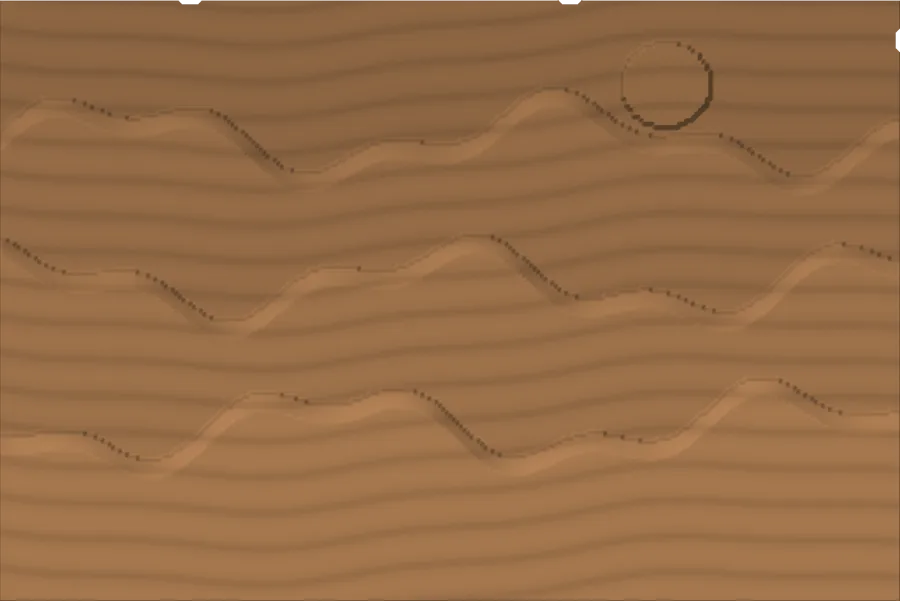
384 3D pieces
Drop in a relief, size it to your board, and cncArtist roughs and finishes it.
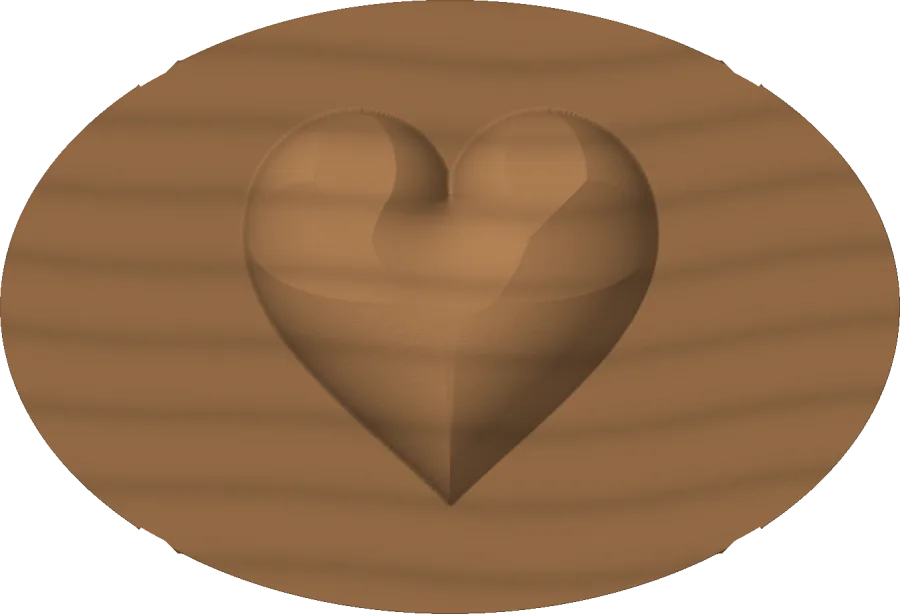
Your own STL or OBJ
Import a 3D model and size it to the board.
Topo maps
Pick a place and cncArtist builds the relief from real elevation data.
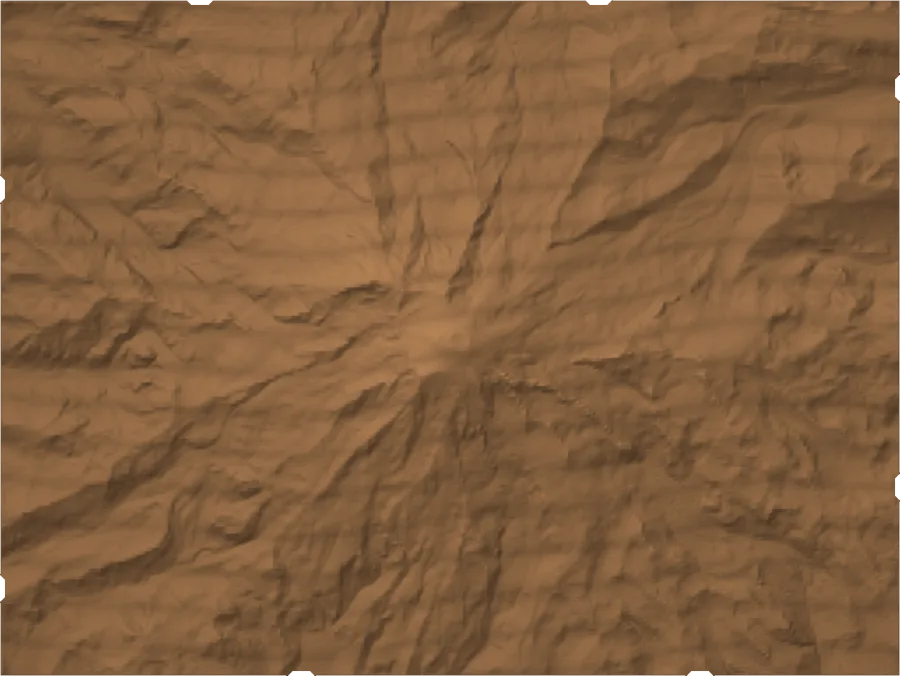
Images are simulator renders, not photos.
Shape it yourself
Picture to 3D
Turn a photo into a carving. An on-device depth model works out what is near and far and lifts the subject off its background. Nothing leaves your device.
Sculpt by hand
Build up, carve, smooth, smear and erase back to the original, right on the relief. Extrude, two-rail sweeps, fades and tilt are there too.
Sweeps and turns
Extrude a drawn shape, sweep it along a line or between two rails, or turn it around an axis.
Combine pieces
Add, subtract, or keep the higher or the lower surface where pieces meet.
Apple Pencil
On iPad, pressure sets the depth of each sculpting stroke and tilt widens the brush.
Height maps out
Export any relief as a 16-bit greyscale height map, to share, render or carve in other software.
Cut it
Roughing, then finishing
Clear the bulk with a flat bit, then finish with a ball nose. Feeds and step-overs are set for your bits.
Two-sided jobs
Flip the board on guided registration and carve the back to match the front.
Holder check
Before a deep pocket, cncArtist checks that the collet and nut clear the walls, not only the bit.
Rotary
Wrap a relief around a cylinder if your machine has a rotary axis fitted. Rotary output is tested in software, not yet on a real rotary axis.
Questions
Do I need a separate 3D modeling program?
No. You can build reliefs from drawn shapes, sculpt them and use the 384 included pieces. You can still import STL or OBJ.
Does Picture to 3D upload my photos?
No. The depth model runs on your device.
Can I see the result before cutting?
Yes. The simulator plays the roughing and finishing passes back in wood.
Free to download.
$299.99 once to cut without limits.
Design and simulate as much as you like. Your first three jobs export free. Then one purchase unlocks cncArtist on Mac, iPad and iPhone. Commercial use included.
Cut 3 jobs free.
Every design tool, every simulation, and G-code for your first three jobs. No card, no time limit.
Pay once, on every device.
Unlimited export on Mac, iPad and iPhone with one purchase. Free 1.x updates. Family Sharing. Commercial use included.
Launch price $249.99 until 11:59 pm on Thursday, Dec 31, 2026.
No subscription.
Pay once, cut forever. A paid major version every few years, with an owner upgrade price.