 cncArtist
Beginner CNC software
CNC software for your first project
Answer a few questions and cncArtist builds the design and toolpaths, checks every line, and walks you to the machine. Your first three jobs are free.
Your first project, built from a few answers
Pick a template, such as a house sign, coasters or a cutting board. cncArtist asks a few questions (the words, the size, the wood, the bits you own) and builds the design and the toolpaths for you. Change an answer and it rebuilds.
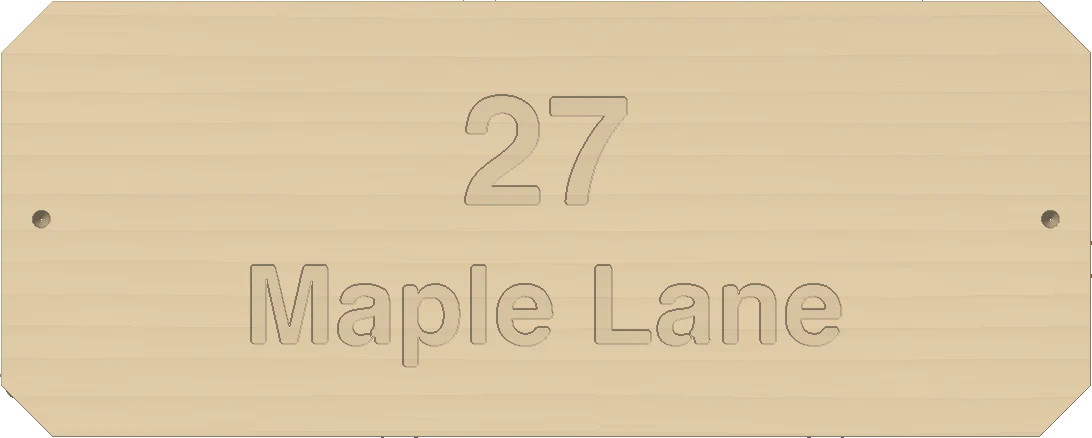
House sign
Words and a border, V-carved.
Coasters
A set, nested on one board.

Game board
Pockets and lines, cut in one job.
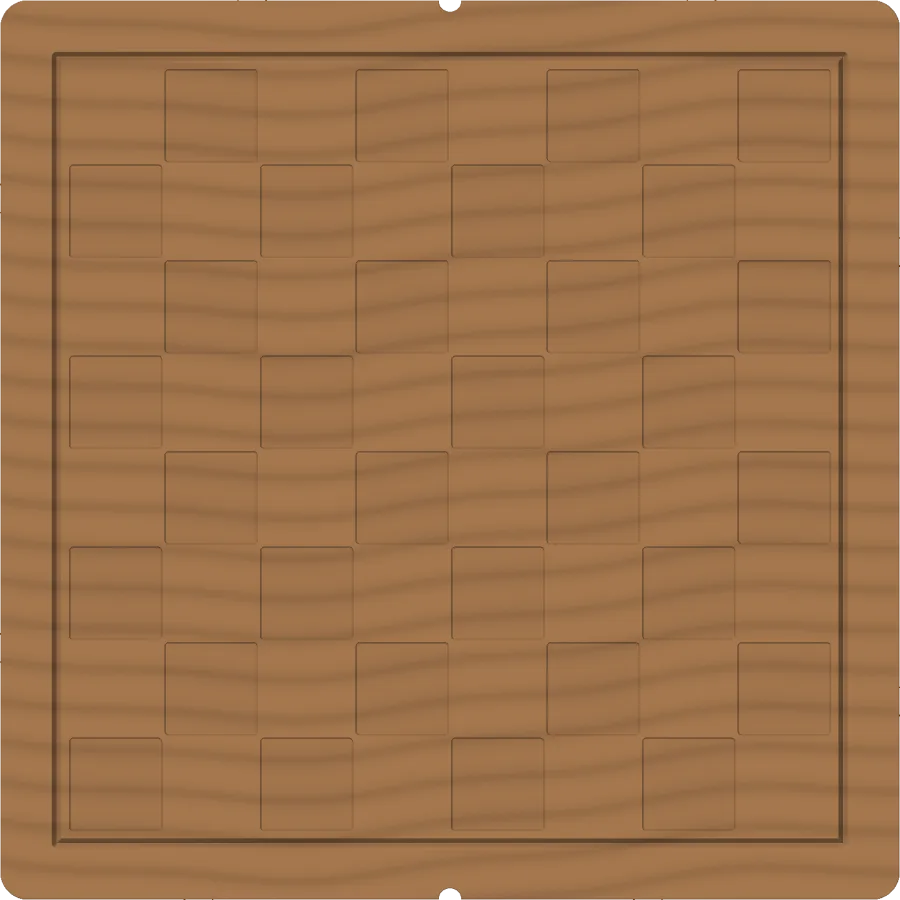
Images are simulator renders, not photos. Twenty templates in all.
It catches the mistakes beginners make
Feeds and speeds worked out
Choose the bit and the wood; cncArtist sets the feed, speed and depth per pass for your machine.
Every line checked first
The simulator plays the whole job back in wood, marks gouges on the board and lists each problem with its toolpath or G-code line, before anything reaches the machine.
Holder check
Before a deep pocket, cncArtist checks that the collet and nut clear the walls, not only the bit.
Guided zeroing
X, Y and Z, one step at a time on your iPhone or iPad, so the zero you set is the zero the program uses.
Broken bit? Restart.
Pick up from the line where the cut stopped, not from the top of the file.
Setup sheet
Tools, zero point and material on one page, in your pocket.
Learn inside the app
25 lessons
Short lessons that walk through real jobs, from your first sign onward.
18-page manual
Every tool explained in plain language.
8 sample projects
Open one, look at how it is made, and cut it.
Your first cut
- Pick your machine by maker and model.
- Add the bits you own.
- Choose a template and answer its questions.
- Watch the simulated cut and fix anything flagged.
- Export, zero the machine, run an air cut, then cut.
Questions
I have never used CAD. Is this for me?
Yes. The templates build the design and toolpaths from your answers, and you can learn the drawing tools later.
Which machines?
38 named machines, including Shapeoko, Genmitsu 3018, LongMill, X-Carve, BobsCNC and Onefinity, plus generic starting points. See the machines page.
What does it cost to try?
Nothing. Download it and export your first three jobs free. Then $299.99 once, no subscription.
Free to download.
$299.99 once to cut without limits.
Design and simulate as much as you like. Your first three jobs export free. Then one purchase unlocks cncArtist on Mac, iPad and iPhone. Commercial use included.
Cut 3 jobs free.
Every design tool, every simulation, and G-code for your first three jobs. No card, no time limit.
Pay once, on every device.
Unlimited export on Mac, iPad and iPhone with one purchase. Free 1.x updates. Family Sharing. Commercial use included.
Launch price $249.99 until 11:59 pm on Thursday, Dec 31, 2026.
No subscription.
Pay once, cut forever. A paid major version every few years, with an owner upgrade price.